Reelight Pro
Tape Saturation and Compression Processor
VST3 . AU . AAX
WIN – MacOS | Apple Silicon / Intel / AMD
Original price was: $99.00.$19.00Current price is: $19.00.
* License Authorization needs an internet connection.

The invention of digital audio recordings liberated sound engineers in many ways which were not possible in the analog era. Even with all the tools at one’s fingertips, musicians and engineers sorely missed the sound and sonics of earlier recordings.
The magic that the recording mediums imparted by default and one which we all took for granted.
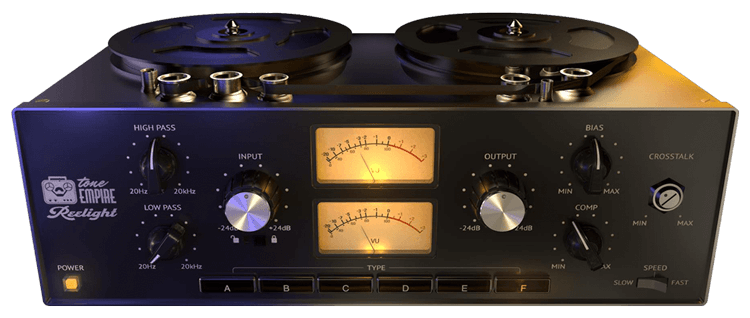
Reelight Pro is a plugin designed to bring back the authentic tape sounds of not one, but 6 different sought-after Tape Machines at different speeds and levels to bring us even closer to the “reel” sound of tape.
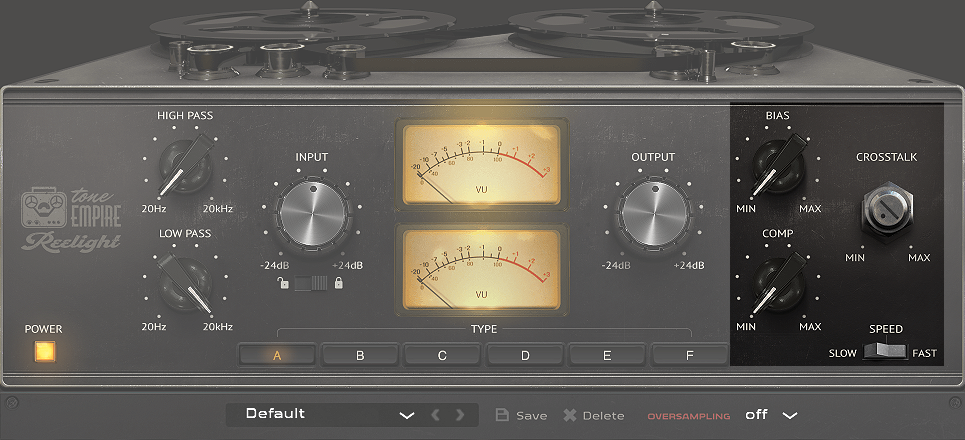
With this plugin, you also get access to desirable parameters such as tape speed, bias, input saturation, crosstalk, and even the compression imparted by tape as separate controls! The plugin comes with a lot of presets designed to help to get you started, or design your own from scratch!
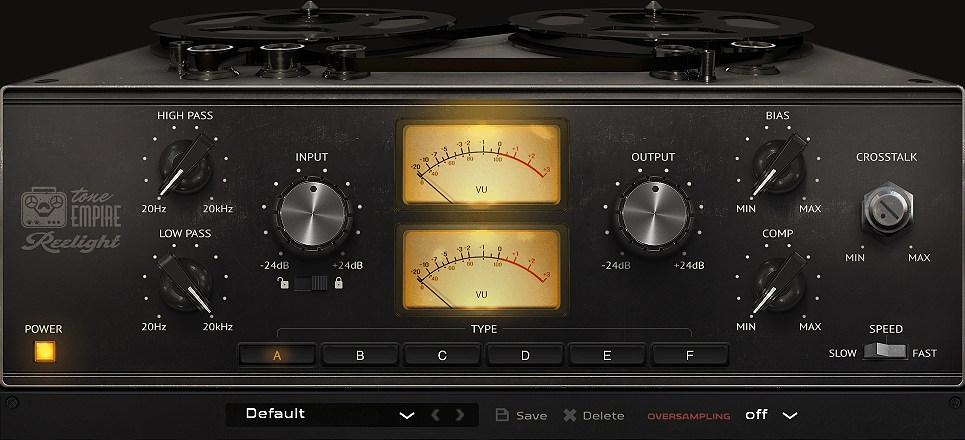
Advanced Dynamic IR (Impulse Response) systems that we have developed in addition to DSP modeling, help us achieve the authentic sound of tape machines like never before.
Hysteresis Processing along with a great sounding resolver, help us achieve the “wow” factor!
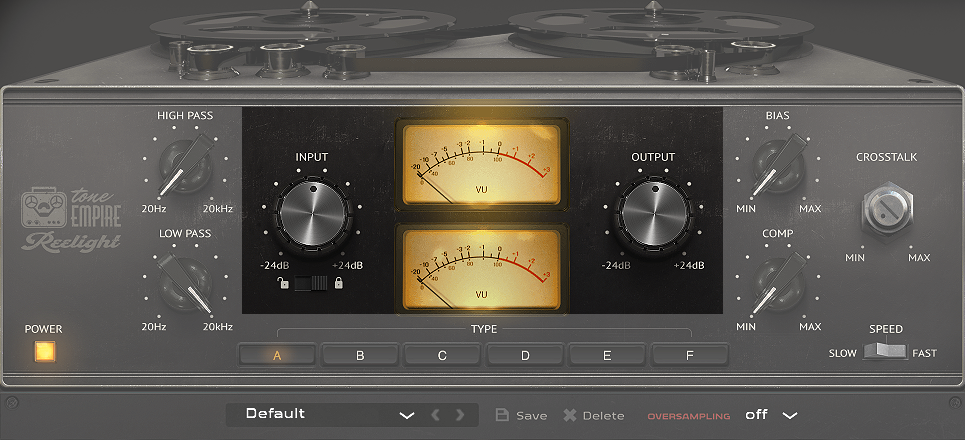
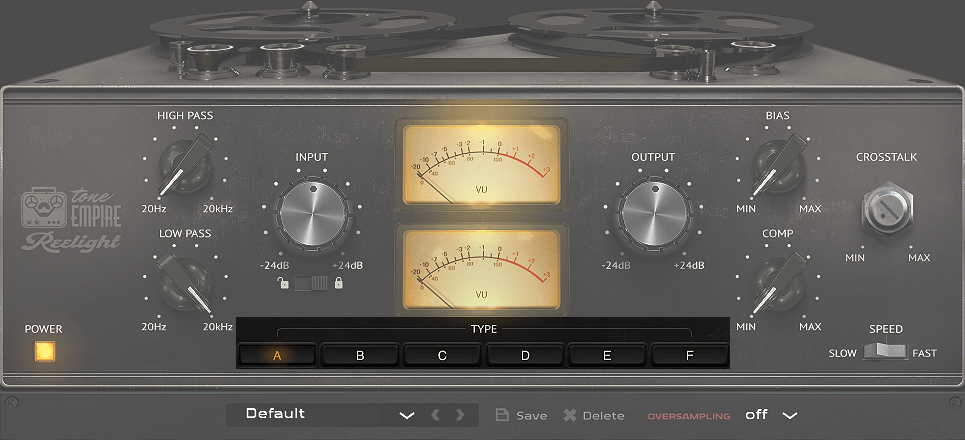
The Input Gain sets levels from -24dB to +24dB with 0 dB in the center, This control acts in the same way as on analog tape recorders, the more gain you increasing, the harder the tape is hit with sound, and create the correct response audible in terms of saturation and compression.
The Lock feature lets a user increase input gain with an automatic gain compensation for an increase in levels in the output.
The Output Gain sets output levels from -24dB to +24dB with 0 dB in the center,
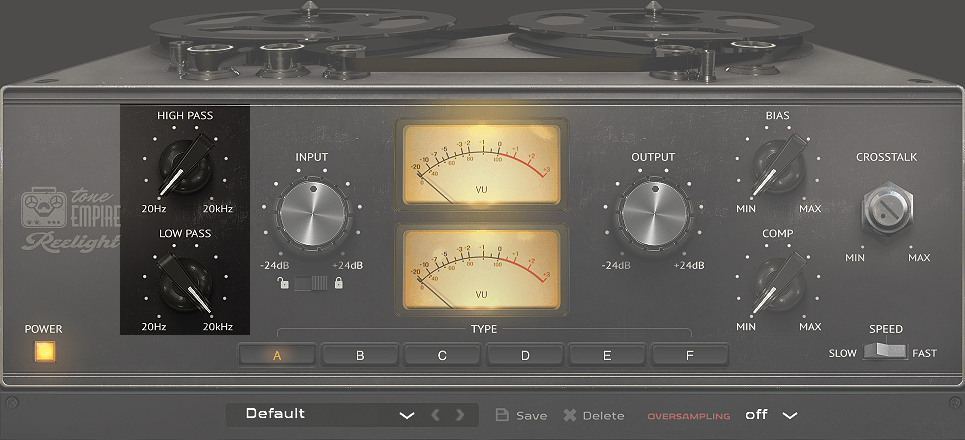
These selectors labelled A-F , let the user select the different Tape Models
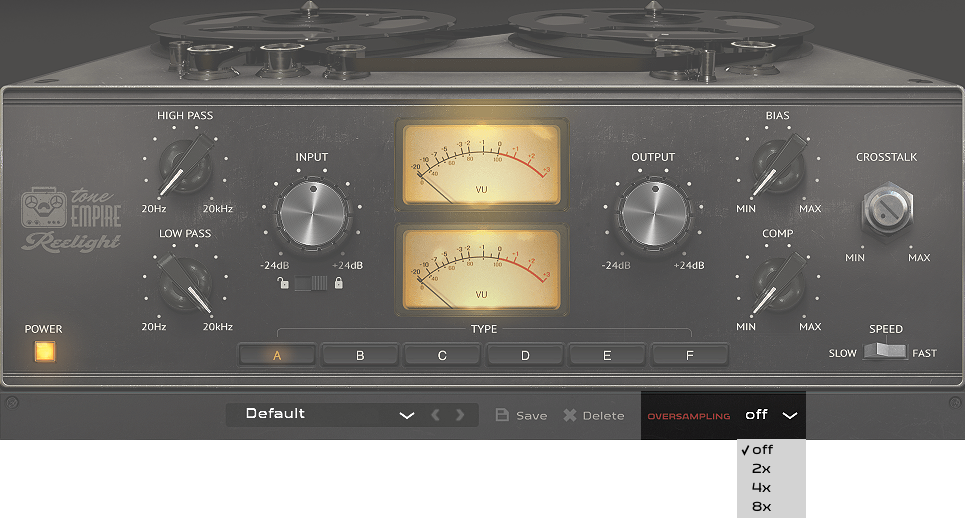
We have the option of 2x-8x oversampling, depending on your cpu power and computer resources, this helps “smooth” the sound and sound even closer to the analog bandwidth.
Tested on:

Plugin Formats:

Note: Please reduce the volumes on your speakers or headphones while making adjustments to the plugin parameters or selecting machines and tape speeds. Since this is an IR-based system, there may be “pop” sounds when the Dsp switches samples.
Minimum System Requirements:
PC/MAC : Windows 10 or later*. / OSX 10.13 or later ( INTEL/M1 Supported ) ( NOT TESTED ON MacOS Ventura* )
Intel i3 / AMD Ryzen or equivalent
2 GB RAM / 300 MB HD
Screen resolution: 1024×768 – VST3, AU, or AAX 64-bit host
Note (A)
1. SOME ANTI-VIRUS SOFTWARE MIGHT BE ALERT WHILE INSTALLING/DOWNLOADING THE FILES, KINDLY IGNORE THOSE WARNINGS. Those are False positives. We have tested it on Norton Anti-Virus, and the Installers are clean. 2. FL Studio users may experience the crashing of DAW while using Oversampling feature.
Note (B)
M1 Mac users currently using Logic Pro (10.7.2 and above ) or Ableton (11.1) please use ( OSX -M1) . All other Daws please use the regular installer ( OSX )
Installation
OSX:
Download the Reelight Pro.pkg file
Double click on the package zip and click open
Follow the instructions to install the plug-in(s)
Windows:
Extract Reelight Pro – WIN64.zip and Reelight Pro – WIN64.exe
Follow the instructions to install the plug-in(s)
Setup and License Registration:
This plugin uses an online-based license registration system that requires an internet connection. When in trial mode, your computer needs to be online to use the plugin.
Once the plugin is registered, you no longer need to be online to use it. We offer a 15-days trial period for the plugin.
The license registration window allows you to log in to your Tone Empire account directly, and the plugin will automatically authorize if you have purchased it from the Tone Empire site. In case of a purchase from one of our third-party distributors, you can create an account from the website or from the license window of the plugin. Then enter your serial code provided by the third-party distributor (e.g., Plugin Boutique), and the plugin will authorize.
*An internet connection is required.

 Neural Q v2